


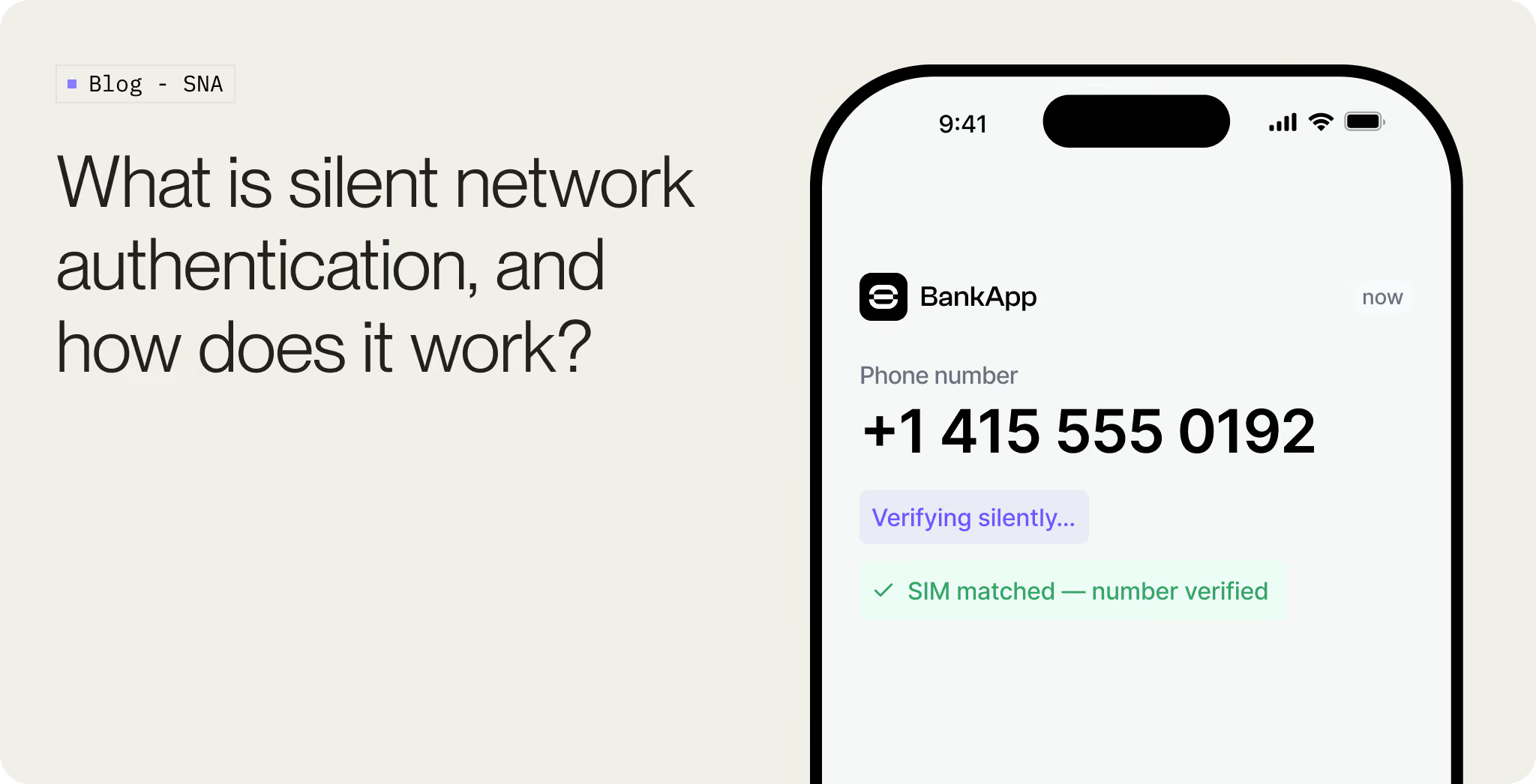
A user opens your app, enters their phone number, and the next screen loads. No SMS arrives. No six-digit code gets copied across. The user may not realize a verification check happened at all. That is silent network authentication, usually shortened to SNA.
Behind the scenes, the app is asking the mobile network a narrow question: does the SIM behind this mobile data session belong to the phone number the user just entered? The carrier, or an aggregator connected to the carrier, checks the network session and returns a result.
That narrowness matters. SNA is useful because it avoids SMS for phone number verification, but it is still a possession check. It tells you the right SIM is present on the network. It does not tell you who is holding the phone.
This is where the implementation details start to matter. SNA works well when the device has the right SIM, the carrier supports the route, and the check has a path to the network. When any of those assumptions fails, your flow needs another path.
What SNA verifies
SNA checks whether the SIM currently authenticated on the mobile network is associated with the phone number entered by the user.
If the result is a match, you can treat the phone number as verified for that session. If the result is no match, unsupported, or inconclusive, you route the user to another method.
The check does not establish identity by itself. A stolen unlocked phone, a coerced user, or a legitimate user in a risky account recovery flow may all require more than phone possession. SNA belongs in a wider authentication flow, especially for high-value onboarding or step-up decisions.
There are two ways providers run the check. The newer and broader one is the SIM method: the device proves itself with the SIM's own credential through the GSMA TS.43 standard, and it works across networks, including Wi-Fi and browsers. The older one is the network method, where the operator reads the live mobile data session and confirms the number from it, which only works on cellular. Both build on the same root of trust, the SIM's authentication to the carrier. This article leads with the SIM method, since it removes most of the limits that held silent auth back, and brings in the network method where the two differ.
What the check is built on
The SIM is already authenticated to the network
Every SIM has a secret key, often called Ki, that it shares with the carrier. The key is stored on the SIM and in carrier systems, and it is never sent over the air.
When the SIM joins the network, the carrier uses that shared key to confirm the SIM is genuine. From there, the carrier already knows which SIM is on the network and which phone number, or MSISDN, it belongs to. SNA builds on that work rather than redoing it.
eSIMs work the same way. The credential is embedded rather than sitting on a removable card, but the carrier still authenticates the subscriber before the device can use the network.
Turning that into a check
Both methods build on that authenticated SIM. They differ in what carries the proof.
The SIM method puts the proof in the SIM itself. Through the GSMA TS.43 standard, the device proves the SIM's identity with a credential the carrier already trusts, rather than relying on a live network session. Because the proof travels with the SIM, it is not tied to the cellular path. A 2025 update extended it to Wi-Fi, browsers, and third-party apps, so it runs in the places older silent auth could not, including a browser on home Wi-Fi. The cost is that it asks the user for consent on a per-carrier basis, and coverage is still expanding as carriers turn it on.
.avif)
The network method takes the other route. The app opens a verification request over the cellular data interface, it reaches an operator or aggregator endpoint, and the operator compares the number on that data session with the number your backend asked to verify. The proof is the live session, which is why this method only works on cellular. It is the model behind CAMARA Number Verification, and it is the more widely deployed of the two right now.
Either way, the result comes back to your backend as a match or a non-match, and no OTP travels through SMS.
The standards underneath it
Both approaches live under the same standard, the CAMARA Number Verification API, run as an open-source project with the Linux Foundation and exposed across operators through GSMA Open Gateway. That standard is what makes these checks dependable to build on rather than one-off operator deals.
What changed between versions is the authentication method the API allows. Version 1 supported only the network method, where the device authenticates over its mobile data session, which is why it needed cellular. Version 2 added a SIM-based method built on GSMA TS.43: the device obtains a SIM credential and presents it as a token, and because that token is not tied to a live session, the check now works over Wi-Fi and in browsers. Both methods are valid in v2, but the SIM-based one is the direction the ecosystem is moving toward, since it removes the constraint that held the network method back.
Coverage still has to be checked market by market. Availability depends on the carrier, aggregator, MVNO, roaming state, and sometimes the user's plan. Build as though coverage is a runtime decision: before making SNA the primary route in a market, check which carriers your provider supports and how it reports unsupported networks, prepaid plans, MVNOs, roaming users, and Wi-Fi-only attempts.
Why cellular data is required
This requirement belongs to the network method. For that method, the carrier has to see the request on a mobile data session. Over Wi-Fi, it cannot.
If the phone is on home Wi-Fi, office Wi-Fi, airport Wi-Fi, or a hotel network, the request may leave through a broadband provider instead of the mobile operator. In that case, the operator has no cellular session to resolve and no subscriber number to compare.
Good SNA implementations route only the verification request over cellular data, even if Wi-Fi is connected. The rest of the app can stay on Wi-Fi. The user should not have to toggle anything manually.
The SIM method does not carry this constraint. Because the proof is the SIM credential, it can run over Wi-Fi and in browsers, which is the main reason providers are adopting it for the sessions the network method cannot reach.
Desktop flows need a different shape. A laptop usually does not have the user's SIM or carrier session, so it cannot run SNA directly. The common pattern is to bridge the desktop session through the phone: show a QR code, open the mobile app or browser, run SNA on the phone over cellular data, then confirm the desktop session from your backend. A deep link sent to the phone can do the same job.
The carrier check still happens on the phone. The desktop is only waiting for the result.
How SNA compares to SMS OTP
SMS OTP's problem is the code.
The code travels over a channel the business does not fully control. It can be phished through a fake login page, read by malware, redirected after a SIM swap, or exposed through telecom routing weaknesses. Even in a normal case, the user has to receive a secret and type it back into the right place.
SNA removes that secret from the user journey, and that is where its phishing-resistant quality comes from. There is no code for a fake page to ask for, so there is nothing the user can be tricked into typing where it does not belong. A fraudster would need the victim's actual SIM, authenticated on the network, not a code copied from a fake form. It is not origin-bound the way a passkey is, so passkeys stay the stronger phishing-resistant factor, but SNA closes the exact gap that makes SMS OTP so easy to phish.
That does not make SNA enough for every decision. It verifies phone possession. For identity-grade onboarding, account recovery, or high-risk step-up, pair it with the checks that answer the next question: is this the right person, and has this phone number changed hands recently?
That is where SIM swap checks, device signals, liveness, biometrics, documents, passkeys, or risk-based step-up can come in. On high-value flows, SNA can confirm the live number possession while SIM swap detection checks for recent changes to the SIM-number relationship.
Where SNA fits
For onboarding, SNA is usually best used before SMS. Try the carrier check first. If it works, the user avoids a code and you avoid the weaker parts of SMS OTP.
When SNA is unavailable, SMS does not have to be the immediate fallback. In many markets, WhatsApp OTP can be a better fallback because it avoids some delivery and SMS pumping problems. It is still a code, so it still belongs below SNA in the route order.
After the phone number is verified and the user has reached the assurance level you need, a passkey can handle future sign-ins without returning to phone OTPs.
We covered that full onboarding sequence in eliminating SMS OTP starts at onboarding. This article focuses on the carrier check itself.
The engineering question is not "SNA or SMS." It is which route can run for this user, on this device, in this market, right now.
When the routing is right, SNA quietly removes a large share of OTP prompts. When the routing is wrong, users on Wi-Fi, unsupported carriers, roaming plans, MVNOs, or recent SIM changes get stuck with an error they cannot fix.
.avif)
.avif)
.avif)