


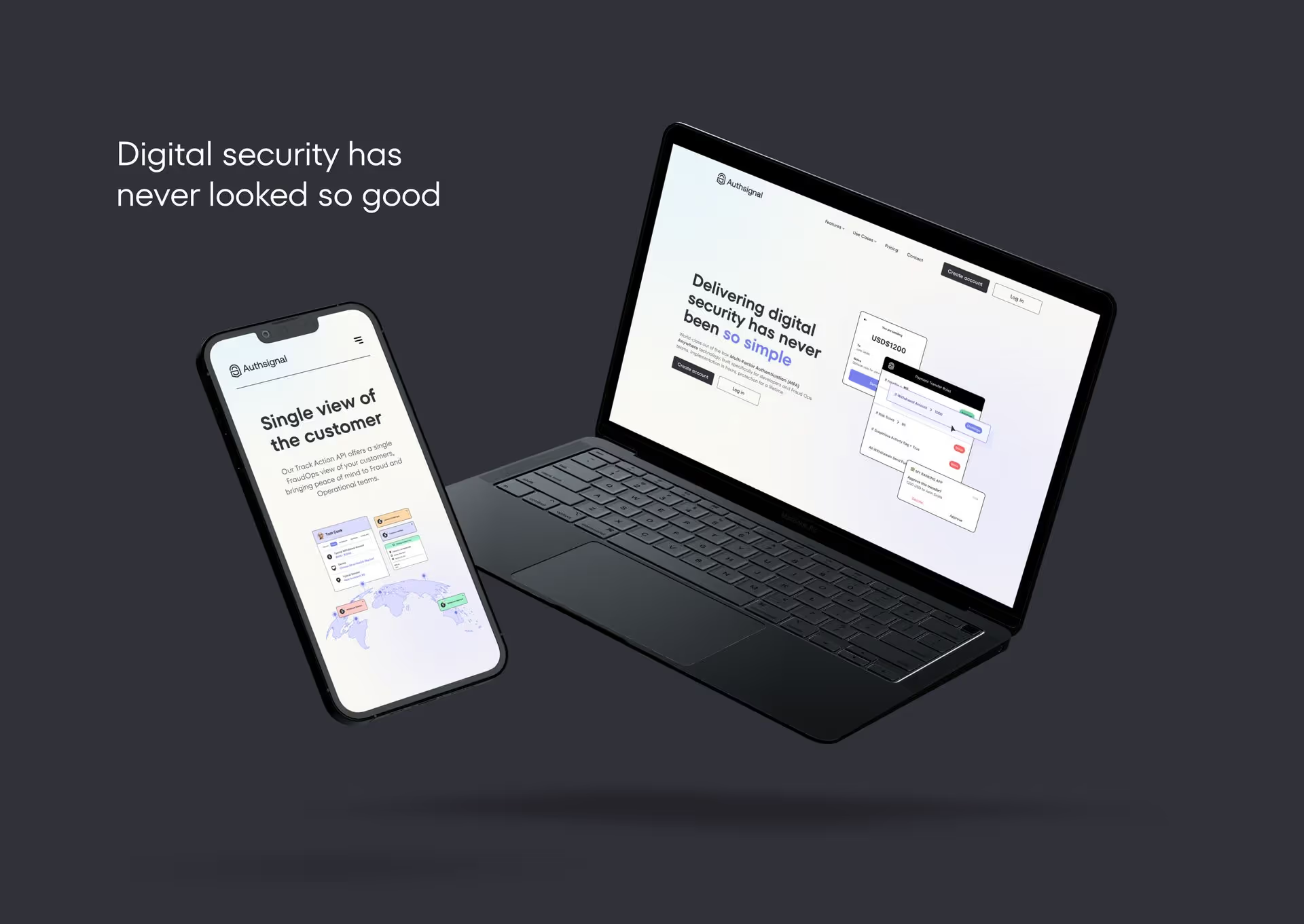
Push authentication is the best method of authentication that is mobile-centric, which enable businesses to take advantage of a native approach to authentication and keep the user journey inside their app by sending a notification to the device that's Push authentication relies on trusted device possession as a key factor in its security.
Push authentication has quickly gained popularity due to its ease of use and high level of security, and ability to reduce costs associated with SMS. In this blog post, we will explore what push authentication is, how does push authentication work, and its advantages and use cases.
What is Push Authentication?
Push authentication is often deployed as an authentication type as a part of a business's Multi-factor authentication strategy. It is a method of authentication that sends a push notification to the app that's in use on the user's device when they attempt to log in or take a sensitive action, such as withdrawing funds or changing an email address. The user then confirms their identity by approving the push notification, which typically looks like tapping the approve or yes button in the notification.
Push authentication is a form of out-of-band authentication, which means that the authentication process occurs outside of the primary communication channel between the user and the website or application. This makes push authentication more secure than other forms of authentication, such SMS one-time passwords or email, which can be compromised through sim swapping or other cyber attacks.
How Does Push Authentication Work?
Push authentication works by sending a push notification to the user's device when they attempt to complete an action, such as logging in to a website or application. The push notification typically includes information about the login attempt, such as the time, location, and device used. The user then confirms their identity by approving the push notification, which commonly involves tapping a button or swiping a slider.
The push notification is sent using a secure channel, such as an encrypted connection, to ensure that the notification cannot be intercepted or tampered with by attackers. The user's device must also be registered with the website or application before push authentication can be used. This is typically done by providing a phone number or email address during the registration process.
Advantages of Push Authentication
Push authentication has several advantages over other forms of authentication. These include:
High Level of Security
Push authentication is considered one of the most secure forms of authentication because it requires the user to approve each authentication request from the device being used to access the app or software. This makes it difficult for attackers to gain unauthorized access to a user's account, even if they have obtained the user's password or other authentication credentials.
Superior Customer Experience
Push authentication is also very easy to use. The user simply needs to approve the push notification to confirm their identity, which is much easier than entering a password or typing in a code sent via SMS. This experience keeps the user focused on the action and ensures the user experience is optimal. Push notifications are branded, and messages are easily customisable.
Cost Efficient and reliable
Push authentication is also fast and cost-efficient. The push notification is typically delivered instantly, and the user can approve it with a single tap or swipe. This makes the authentication process much faster than other forms of authentication. It's very cost-efficient compared to SMS. There isn't a cost each time a push authentication is sent, which is reliant on the user's mobile operator to deliver.
Flexibility
Push authentication is also very flexible. It can be used on a variety of devices, including smartphones, tablets, and computers. It can also be used in a variety of contexts, such as logging in to a website, making a payment, or accessing a secure document.
Use Cases for Push Authentication
Push authentication can be used in a variety of contexts, including:
1. Push Authentication for Fintech and Payments businesses
Push authentication is commonly used in online banking to verify a user's identity when they log in or make a payment. The push notification typically includes information about the transaction, such as the amount and the recipient, to help the user confirm that the transaction is legitimate.
2. Airlines
Push authentication is becoming the authentication type of choice for Airlines to deliver a seamless customer experience in app to verify a user's actions when passengers take an action like purchasing a tick, spending loyalty points or checking in for a flight.
3. Online shopping authorisztion
Shopping experiences have the highest level of conversation when a customer isn't taken away from the website or application. With Push Authentication, you can easily and efficiently authenticate users right from within your application minimising the risk of an abandoned cart or lost sale.
.avif)
.avif)
.avif)